
Repair a PDF in three steps
- Open the PDF editor and choose the damaged PDF.
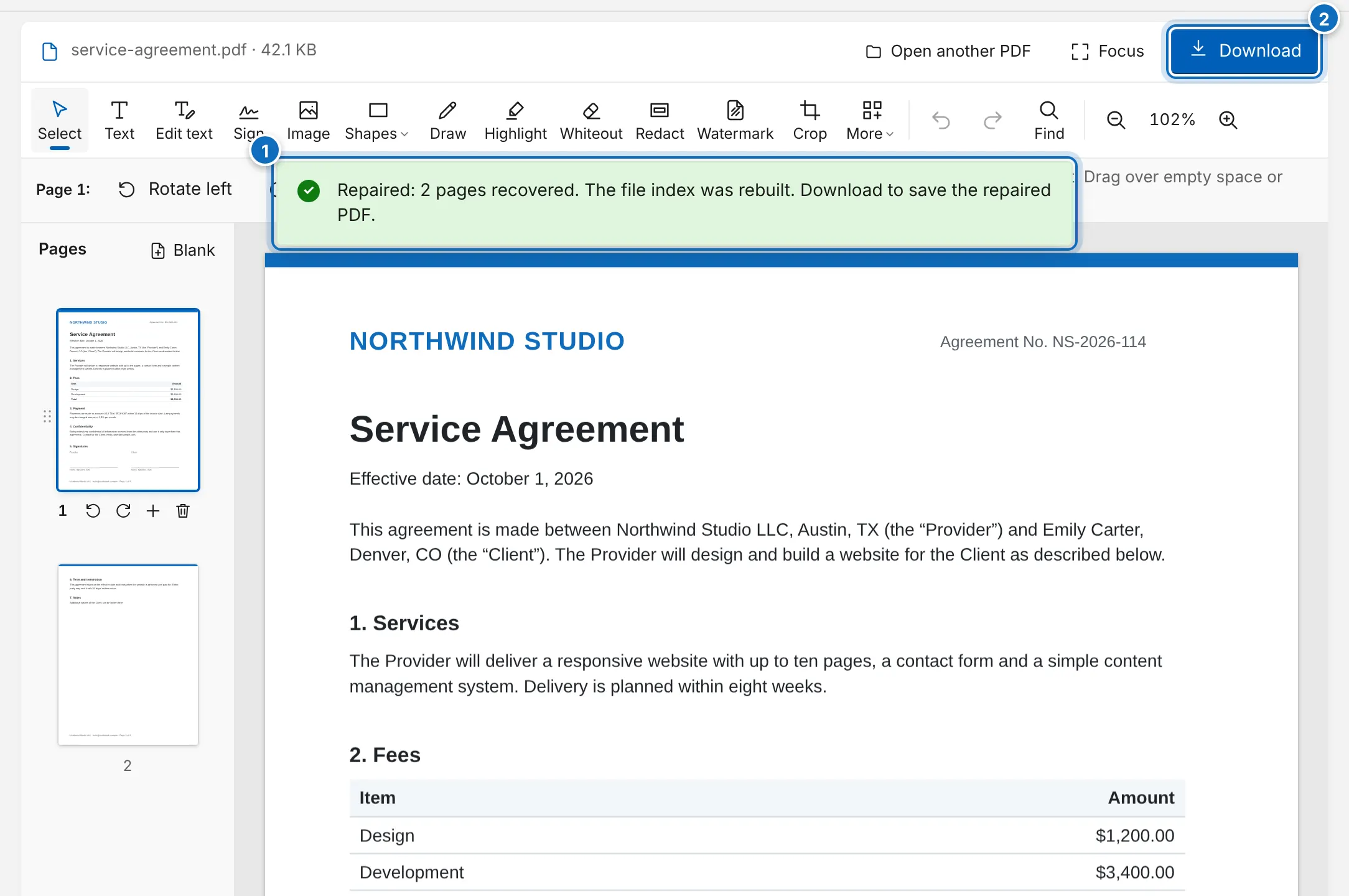
- Wait a moment while it is repaired. A message tells you how many pages were recovered and what was fixed.
- Check the pages, then click Download to save the repaired PDF.
A PDF that says “damaged”, opens blank or stops at an error can often be saved. Open it in the editor: it checks the file, repairs it automatically and tells you what it recovered.
Keep the original file until you have checked the repaired copy. Saving it under a new name, such as “contract-repaired.pdf”, which is the default, makes that easy.